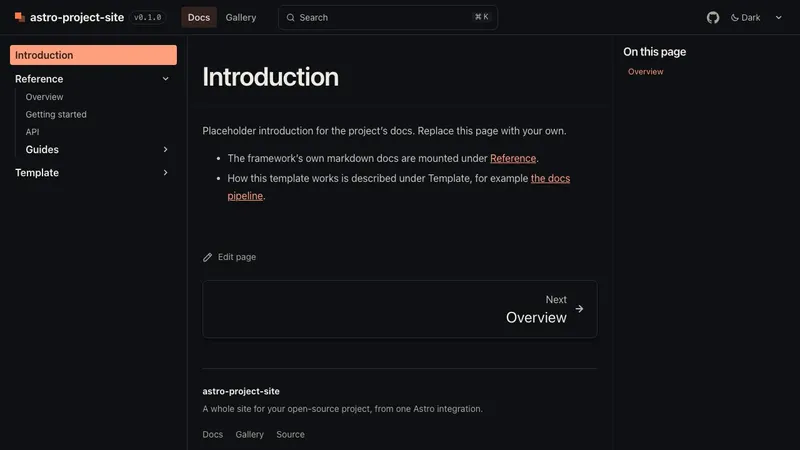
docs
The docs
Starlight with this site's theme, header and footer. Search, a generated sidebar, edit links, a link check on every build.
Astro integrationv0.1.0-beta.6MIT
A landing page, docs that mount your repo’s markdown, live examples, a gallery, your static tools and a Cloudflare preview for every pull request. About twenty lines of config. Upgrades are a version bump.
npx astro-project-site@beta init my-siteThis is this site’s own astro.config.mjs, and what it builds. Edit it; try misspelling an option.
// @ts-check// astro-project-site's own website, built with astro-project-site. This file is the whole site config, and the// landing page shows it, live. Docs options are in docs.config.mjs; the landing page is src/pages/index.astro.import { defineConfig } from 'astro/config';import projectSite from 'astro-project-site';import docs from './docs.config.mjs';
export default defineConfig({ integrations: [ projectSite({ ...docs, name: 'astro-project-site', tagline: 'A whole site for your open-source project, from one Astro integration.', url: 'https://astro-project-site.pascaripavel.workers.dev', repo: 'https://github.com/pavelpascari/astro-project-site', versionFrom: '../packages/astro-project-site/package.json', install: 'npx astro-project-site@beta init my-site', nav: [ { label: 'Docs', href: '/docs/' }, { label: 'Gallery', href: '/gallery/' }, { label: 'Blog', href: '/blog/' }, ], mirrors: [{ from: '../starters/default/example/apps', to: 'apps' }], theme: { accent: '#b93b0e', accentDark: '#ff7a4d' }, customCss: ['./src/styles/brand.css'], gallery: { title: 'Gallery', description: 'The parts of this site, each one running.' }, blog: { description: 'Notes on building astro-project-site: why it works the way it does, and what changed.', authors: { pavel: { name: 'Pavel Pascari', url: 'https://github.com/pavelpascari' } }, }, ogImage: '/og.png', footer: { note: 'MIT licence. This site is built with itself.' }, }), ],});Everything a library or framework site needs, wired together and configured from one place.
landing
Hero, features, steps, a gallery strip and a call to action, filled from options. Or your own page in its place: this one is src/pages/index.astro.
src/content/docs/
Search, a sitemap, “edit this page” links worked out from your git layout, and a link check that fails the build on a broken link.
externalDocs
Point it at the markdown already in your repo, or at a folder of another one. Titles come from the first heading, .md links become site links, other files link to GitHub.
<Live>
Code written once, shown and run: in the page or an isolated iframe, editable, with a runner of your own for anything that is not HTML.
src/content/gallery/
One YAML file per item, posters optimised at build time, filters by kind and tag.
mirrors
Playgrounds, demos, reports: served byte for byte under a path of your choosing, from disk in dev and copied at build.
deploy.yml
A reusable workflow: type check, build, docs check, then a Cloudflare preview per PR with a sticky comment, next for main, production on tags.
customCss
A handful of tokens restyle the landing page, the gallery and Starlight together, in light and dark.
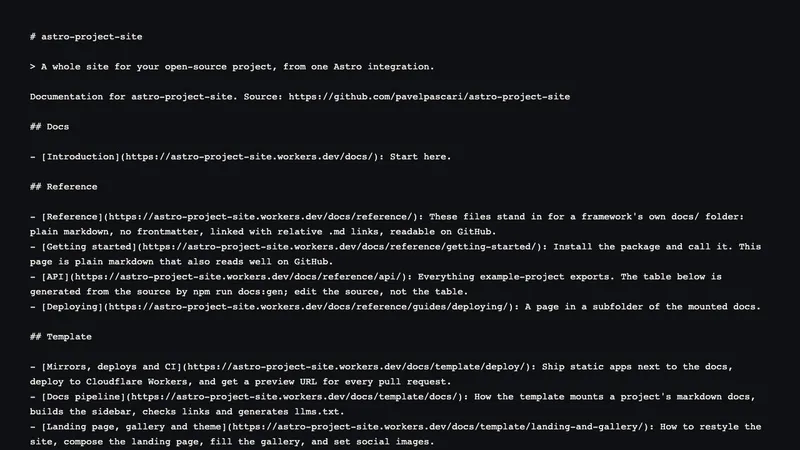
/llms.txt
/llms.txt and /llms-full.txt, generated from the same docs, links made absolute.
docs:gen
Fill marked blocks in your markdown from code; docs:check fails CI when one goes stale.
components
Replace the header, footer, hero, landing page, gallery card or gallery. The originals stay importable, to wrap.
projectSite()
Validated before Astro starts. A mistake names the field: “unknown option "navv"”.
Mount the markdown your project already has. It keeps reading well on GitHub; on the site it gets a sidebar, search and working links.
# Reference
These files stand in for a framework's own `docs/` folder: plain markdown, no frontmatter, linked with relative`.md` links, readable on GitHub. The site mounts them under `/docs/reference/`.
- [Getting started](getting-started.md)- [API](api.md#exports)- [Deploying](guides/deploying.md), in a subfolder- The source the API page is generated from: [`example/src/index.js`](../src/index.js)<Live> renders HTML as it is, or hands the code to a runner: a plain module of yours. This one is the starter’s pixel engine, served from a mirrored folder.
{ "alt": "A small box whose lid hops open", "fps": 3, "scale": 10, "palette": { "k": "#3a2418", "o": "#ff7a4d", "w": "#f6efe4", "y": "#ffd166" }, "frames": [ ["............", "............", "............", ".kkkkkkkkkk.", ".kwwwwwwwwk.", ".kkkkkkkkkk.", ".kooooooook.", ".kooowwoook.", ".kooooooook.", ".kooooooook.", ".kkkkkkkkkk.", "............"], ["...y....y...", ".kkkkkkkkkk.", ".kwwwwwwwwk.", ".kkkkkkkkkk.", "....y..y....", "............", ".kooooooook.", ".kooowwoook.", ".kooooooook.", ".kooooooook.", ".kkkkkkkkkk.", "............"] ]}In a docs page it is one component around a code block:
<Live runner="/apps/live-assets/pixel-engine.js" editable>

```json
{ "palette": { … }, "frames": [ … ] }
```

</Live>
Inline or in an iframe, lazy below the fold, re-run on theme and reduced-motion changes. How live examples work
Accent, background, surface, text, muted, border, radius: the landing page, the gallery and Starlight’s docs all derive from them. Try a preset, pick an accent, or apply it to this page.
/* customCss: ['./src/styles/brand.css'] */:root { --site-accent: #ff7a4d; --site-bg: #0f1013; --site-surface: #17181c; --site-text: #eeebe3; --site-muted: #a8a49a; --site-border: #2c2d33; --site-radius: 0.5rem;}:root[data-theme='light'] { --site-accent: #b93b0e; --site-bg: #f6f4ee; --site-surface: #ece9e0; --site-text: #17181b; --site-muted: #5b584f; --site-border: #d6d1c4;}Real commands, and how long each step took on a fresh run with a warm npm cache.
Copies the starter, a complete site that builds as it is, and names it after the folder. It never overwrites a file unless you pass --force.
init + install ≈ 15 s
npx astro-project-site@beta init my-site
Created "My Site" in ~/code/my-site (29 files).
cd my-site && npm install
Landing page, docs, gallery, the example docs mount and the mirrored demo app, all at once. Edit astro.config.mjs: point externalDocs at your docs folder and mirrors at your demos.
first page ≈ 22 s, warm npm cache
npm run dev
http://localhost:4321
The starter’s CI calls the reusable workflow, pinned to the release it came from. Add two Cloudflare secrets and every pull request gets its own URL.
a preview per PR · next on main · production on v* tags
git push origin my-branch
pull request → https://pr-12-my-site.<you>.workers.dev
git tag v1.0.0 && git push --tags
tag → production
Each one is running on this site right now.
docs
Starlight with this site's theme, header and footer. Search, a generated sidebar, edit links, a link check on every build.
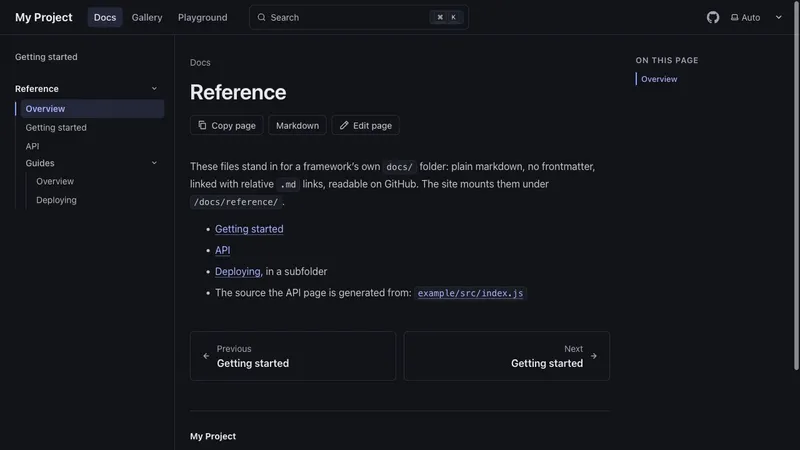
docs
The starter's example docs/ folder, plain markdown with no frontmatter, mounted under /docs/reference/ with its .md links rewritten.
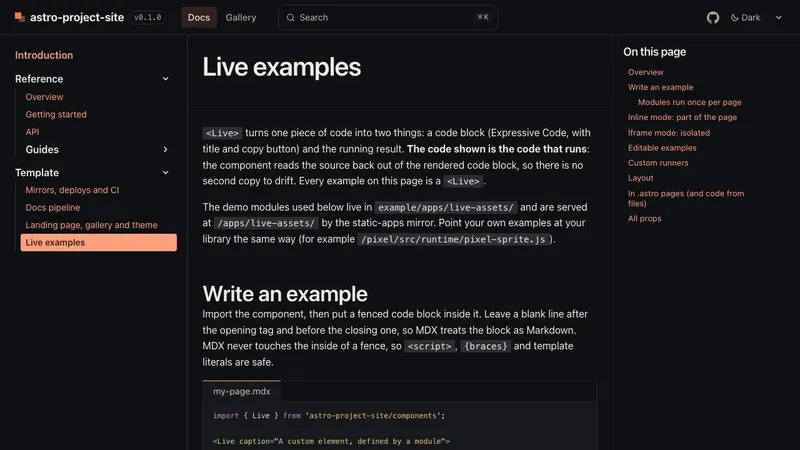
demo
The <Live> component on a docs page, inline and in iframes, editable, with a custom runner.
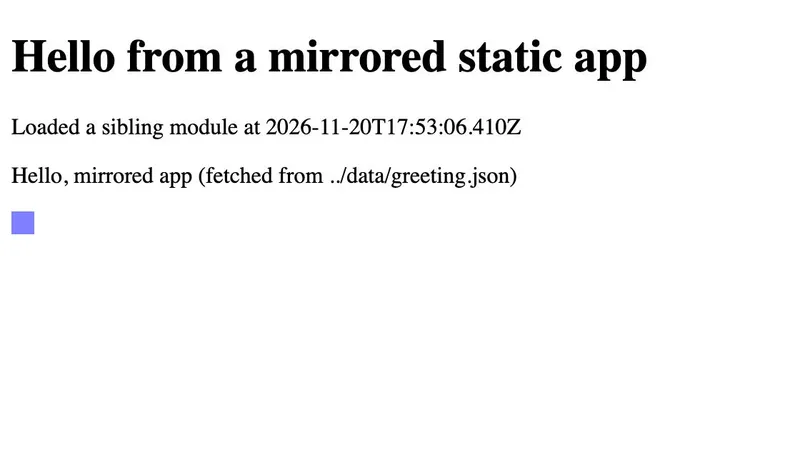
demo
A static HTML page with its own scripts, served byte for byte from the repository at /apps/hello/.
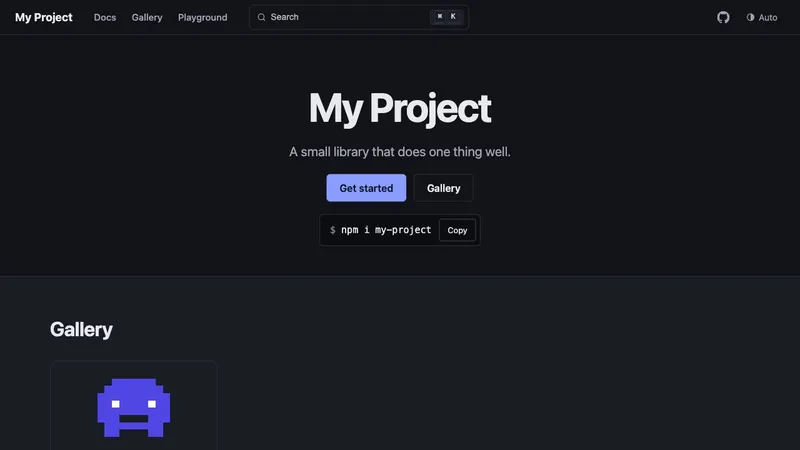
starter
What project-site init creates, built and deployed as it is, with no changes. Source in starters/default.
Notes on how the template works and why.
A markdown folder written for GitHub becomes Starlight pages without moving a file. What happens to each page on the way, and why.
One Astro integration that gives an open-source project a landing page, docs mounted from its own markdown, live examples, a gallery, a blog and preview deploys.
A copied starter is yours forever, including every fix you will never get. An installed one moves with you.
| Copy a starter | Install the template | |
|---|---|---|
| First run | Clone the template, install, run. | npx astro-project-site@beta init, install, run. |
| What you keep | Every file of the site: layouts, docs pipeline, theme, workflow. | One config file, your content, and a few small files the starter made. |
| Upgrading | Diff the template against your copy, merge by hand, repeat. | Bump the version of astro-project-site and read the changelog. |
| A fix upstream | Notice it, find it, port it. | Arrives with the next version. |
| Making it yours | Edit anything, then own the merge conflicts. | Tokens, customCss, component overrides, your own pages, Starlight options passed through. |
| A typo in the config | Found when something looks wrong, if at all. | Fails before Astro starts, naming the field. |
| CI | Copy a workflow and keep it current. | Call the reusable workflow, pinned to a release. |
Copying still wins if you mean to change everything and never take an update. For a site that should keep up with Astro and Starlight while you work on your project, install it.
One command to start, one file to configure. Pixel Studio, a pixel-art character engine, was the first project built on it.
npx astro-project-site@beta init my-site